Project evidence
Save a long technical or commercial discussion beside quotations, drawings, and handover files.
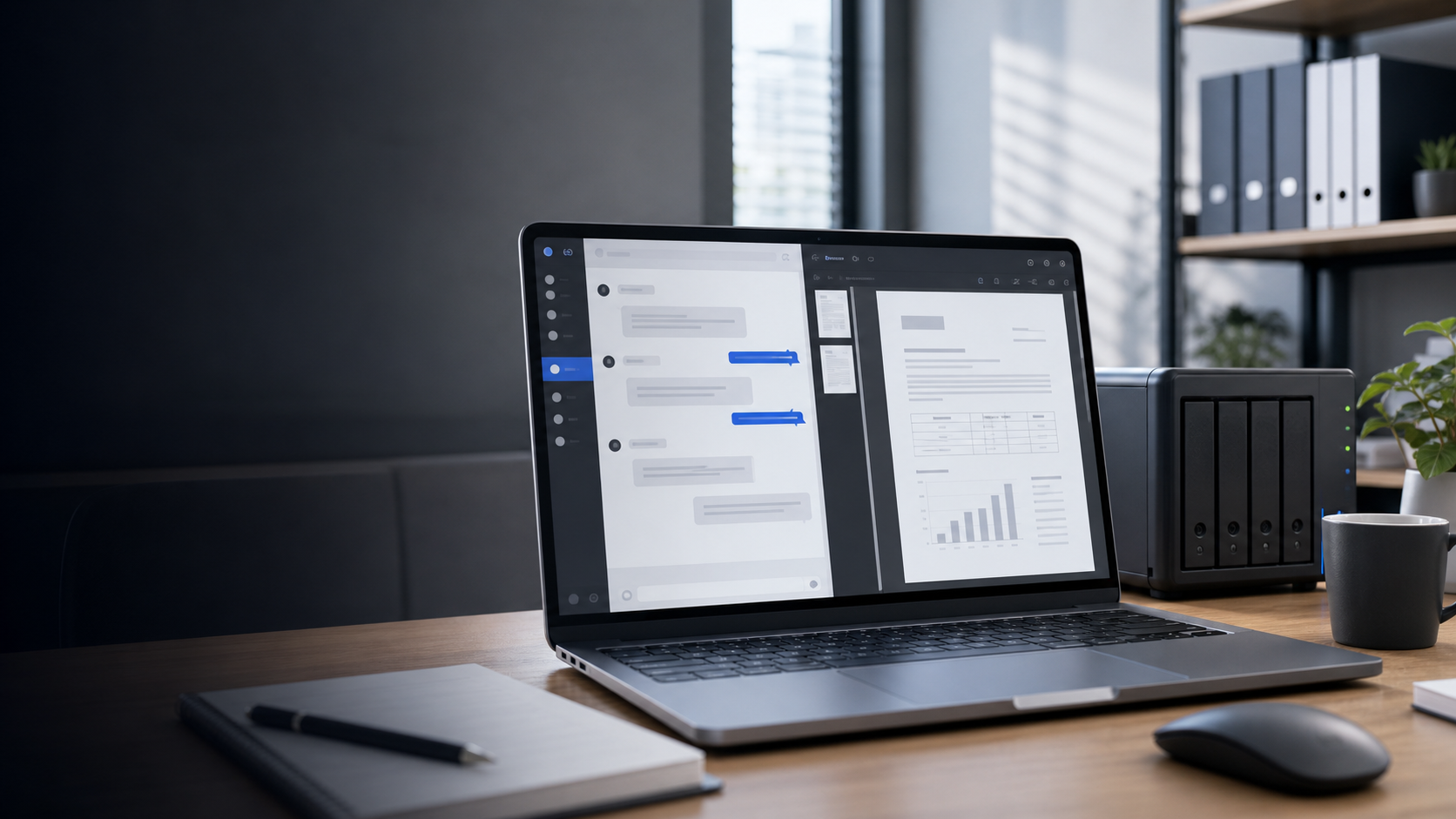
A browser tool for Synology Chat
Keep long thread discussions with your project files, handover notes, or CRM records. Thread Print turns the thread you can already view into a print-ready page without uploading the conversation to our server.
Why it exists
Save a long technical or commercial discussion beside quotations, drawings, and handover files.
Keep a PDF in the appropriate NAS folder instead of relying on someone finding the same thread later.
Attach the conversation context to the customer or project record where the rest of the work is managed.
Preserve messages, visible images, and reactions in a format that colleagues can review without retracing the chat.
What it does
Detects the foreground thread or comment dialog instead of printing the channel behind it.
Clicks controls such as “Read other comments,” “Show more,” and “Details” where Synology Chat exposes them.
Adjusts fixed heights and overflow so the copied conversation is less likely to disappear partway through printing.
Preserves visible images and improves reaction layout in the generated print page.
15-second walkthrough
The demonstration uses fictional names, messages, and attachments. No customer conversation is shown.
This short demonstration is assembled from sanitized product mockups. It shows the workflow without exposing a real NAS or chat environment.
Free pre-purchase check
The checker only detects the open thread and reports local counts. It does not expand, copy, print, or transmit conversation content.
Thread recognitionConfirms whether the open dialog is detected
Local countsShows comments, text length, and visible media
No data transferThe check stays inside your browser
Security model
Thread Print reads the document elements of the Synology Chat thread already open in your browser and creates a separate print page. It does not connect to the Chat database or retrieve messages the signed-in user cannot view.
No external conversation API
No upload to the seller's server
Only the thread available to the signed-in user
Deleted, inaccessible, or unloaded messages cannot be recovered
Scope and limitations
| Input | The Synology Chat thread that the current user has opened and can view in Chrome or Edge. |
|---|---|
| Loading | The tool attempts to activate visible “more,” “details,” and reply controls before copying the thread. |
| Output | A separate print-ready browser page. You use the browser print dialog to save the PDF locally. |
| Not included | Direct database export, NAS configuration, recovery of deleted messages, legal evidence guarantees, and custom environment investigation. |
One-time pricing
Personal and small-scale use
One-time payment
Company license
Use within one company
Payments are processed by Stripe in Japanese yen. Your card issuer may apply currency conversion or international transaction fees. The seller is not registered as a Japanese qualified invoice issuer.
FAQ
No. It creates a portable PDF from the open thread so you can store the conversation with the project record.
It attempts to load older comments through controls exposed by Synology Chat. Messages that cannot be loaded, have been deleted, or are outside the user's permissions cannot be included. Review the generated page before saving the PDF.
No. The product is delivered as a bookmarklet with a setup page. The user drags one link to the bookmarks bar in Chrome or Edge.
Basic setup and current Chrome / Edge operation questions are handled by email. NAS administration, custom interface investigation, and workflow consulting are not included.
After Stripe payment, you are redirected to a purchaser page containing the setup pages, product ZIP, and support contact.
Available now
The free check stays in your browser and does not copy your conversation. Questions can be sent to chatpdf@shimadagiken.jp.